Best Sales Tax Software for QuickBooks: 2026 Guide
Is your QuickBooks sales tax audit-ready? Compare the top 8 software tools for 2026 to automate filings, track nexus, and reduce your liability risk.

If you use QuickBooks, your goal is likely to have clean compliance in one place and automate as much accounting work as possible.
You want accurate books without managing external spreadsheets or performing manual reconciliations every month.
However, sales tax often disrupts this workflow by forcing you to handle filings outside your primary financial system, creating a disconnect between your records and your obligations.
This makes finding the right software difficult, as you are often forced to choose between expensive legacy platforms or limited plugins.
We analyzed the best sales tax tools for QuickBooks to help you find a solution that keeps your compliance as clean as your books.
How to choose the best sales tax software for QuickBooks
Selecting a tax app from the QuickBooks marketplace usually looks simple until you are stuck with a tool that breaks your reconciliation process every month.
Everyone claims "seamless integration" and "one-click setup." But the reality is that different platforms are built for different workflows. A tool designed for a high-volume Shopify store often fails when required to handle the complex invoicing logic of a B2B business in QuickBooks.
Here are the four factors you actually need to vet:
1. "Read-Only" vs. "Read & Write" Integration: This is the most critical technical distinction. Many legacy tools only "read" your QuickBooks data after the fact to generate a report. This leaves you with a disconnect between the tax you thought you charged and what the state actually wants. You need a platform that "writes" the accurate tax calculation directly onto the live QuickBooks invoice before you send it to the client, ensuring your General Ledger always matches your tax return.
2. The "Hidden Fee" Trap: Pricing transparency in this industry is notoriously bad. Some vendors will quote you a low monthly platform fee, but then hit you with "implementation costs," "per-state" registration fees, and overage charges for transaction volume. Look for flat-fee structures or transparent per-filing costs (like Kintsugi’s model) so you can actually budget for growth without being punished for success.
3. Multi-Channel Reconciliation: If you use QuickBooks for B2B invoicing but use Shopify or Amazon for B2C sales, you have a "split brain" problem. Most basic plugins only look at one channel. You need a centralized "source of truth" engine that aggregates data from all your channels into a single dashboard. If the software can’t de-duplicate a sale that flows from Shopify into QuickBooks, you will end up paying double tax on the same transaction.
4. Liability vs. Software: There is a difference between a tool that calculates numbers and a partner that takes responsibility. Read the fine print: Does the vendor offer "audit defense" or "error insurance"? If the software miscalculates a rate in Texas, do they cover the penalty, or is it on you? Modern solutions (such as Kintsugi) are shifting to an accountability model in which they back their calculations with financial guarantees.
Quick Comparison of the Top Sales Tax Software
Tool | Best for | Key features |
Kintsugi | SaaS and tech companies with subscriptions, usage-based billing, and global expansion | Two-way QuickBooks sync, error insurance, AI classification, VAT/GST support |
Avalara | Enterprises with complex, regulated, or international tax requirements | Advanced tax engine, excise taxes, VAT/GST, QuickBooks Desktop & Enterprise support |
TaxCloud | Multi-channel sellers using QuickBooks Online in SST states | Free filing in 24 states, audit protection, Amazon/Etsy aggregation |
QuickBooks | Small businesses with simple, domestic tax needs | Built-in tax calculation, no extra cost, basic e-filing |
TaxJar | Ecommerce sellers needing easy nexus tracking and autofiling | Nexus dashboard, AutoFile, multi-channel reporting |
Vertex | Large businesses with highly complex products or supply chains | Enterprise tax logic, global compliance, omnichannel support |
Numeral | SaaS startups needing revenue and tax reconciliation | Ledger reconciliation, outsourced filings, SaaS billing support |
Zamp | Teams wanting fully managed sales tax compliance | Done-for-you filings, notice handling, predictable pricing |
The 8 best sales tax solutions for SaaS businesses explained in detail
1. Kintsugi
Kintsugi represents a fresh, modern approach to sales tax automation, built to handle the complexities of today's tech stack—subscription billing, usage-based pricing, and global expansion.
Unlike legacy providers that often run on outdated infrastructure, Kintsugi punches above its weight by running on an enterprise-grade engine under the hood, delivering accuracy across thousands of jurisdictions without the enterprise price tag.
For QuickBooks users, Kintsugi offers a standout feature: a native, two-way sync. It doesn't just read your data for reporting; it actively reconciles it, ensuring your QuickBooks General Ledger (GL) matches your tax filings to the cent.
It solves the two biggest headaches for finance teams—liability risk and cost unpredictability—by offering a transparent model with no long-term contracts.
Why Kintsugi is a great sales tax software for QuickBooks
Real-time sales tax calculation
Kintsugi integrates directly with QuickBooks to calculate the correct tax amount as soon as you create an invoice. Instead of estimating, the system uses "real-time, rules-based automation" to ensure you always charge the right amount. This prevents errors before they happen and ensures every transaction in your books is accurate and audit-ready immediately.
SaaS-first integrations
Kintsugi integrates natively with platforms commonly used by SaaS companies, including Stripe, Chargebee, QuickBooks, and NetSuite. These native integrations reduce implementation time and eliminate the need for custom engineering work.
Global reach
Kintsugi supports international VAT and GST compliance in more than 100 countries, enabling businesses operating across multiple regions to manage tax obligations within a single system rather than relying on separate tools for each market.
2. Avalara

Avalara is the industry heavy-hitter designed for complex compliance. While many tools just handle standard retail sales tax, Avalara’s "AvaTax" engine is built to handle intricate scenarios—like cross-border customs duties, VAT for international sales, and industry-specific excise taxes. For QuickBooks users, it offers one of the few remaining robust integrations for QuickBooks Desktop and Enterprise, installing directly as a plugin to intercept invoices and calculate rates in real-time before you save them.
Choose if
You sell complex goods such as alcohol, tobacco, fuel, and medical devices that require specialized taxability codes and excise tax calculations.
You use QuickBooks Desktop or Enterprise and need a native connector that installs directly into your software workflow.
You sell internationally and need a single solution to handle VAT, GST, and customs duties alongside your US sales tax.
Avoid if
You are a small business with a limited budget, and enterprise-grade features often come with higher price tags and implementation fees than simpler tools.
You want a simple, DIY setup, as implementation can take time (weeks to months) depending on the complexity of your ERP or supply chain.
You need rapid live chat support, as users often report slower response times for technical issues compared with more nimble competitors.
3. TaxCloud
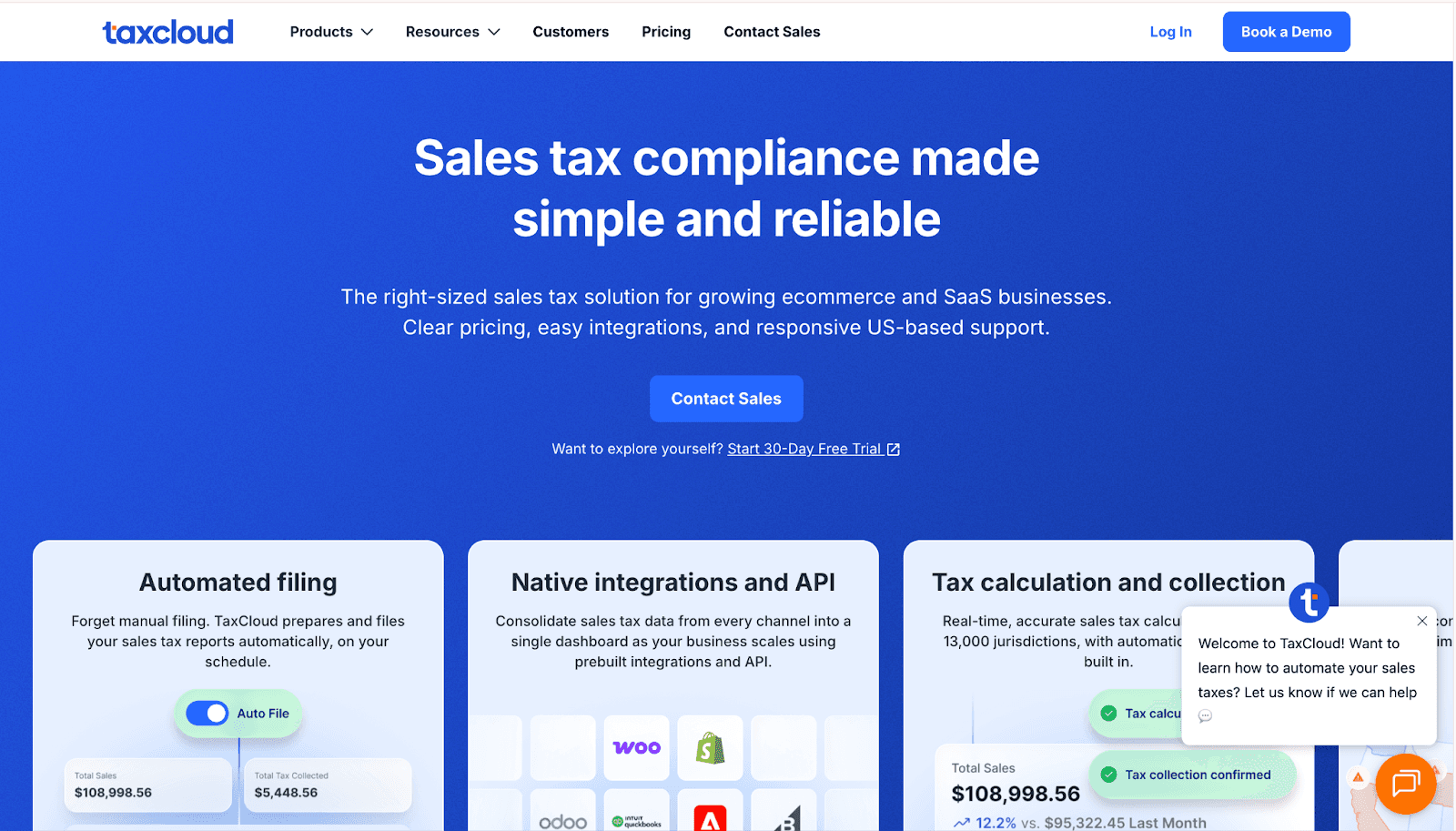
TaxCloud is unique because it is a Certified Service Provider, meaning 24 state governments pay them to handle your taxes so you don't have to. For QuickBooks Online users, it operates via a browser extension that adds a Calculate Tax button to your invoice screen. This replaces the native QuickBooks calculator with one audit-protected version. It is particularly strong for businesses that sell on multiple channels, as it aggregates sales from Amazon, Etsy, and QuickBooks into one central filing system.
Choose if
You want free filing services in the 24 Streamlined Sales Tax states, where the state pays the provider fees for you.
You sell on multiple platforms, such as Amazon and Etsy, and need to combine that data with your QuickBooks invoices for a single tax return.
You use QuickBooks Online and prefer a manual Calculate Tax button to instantly update rates on your invoice screen.
Avoid if
You use QuickBooks Desktop, as the native integration is built exclusively for QuickBooks Online.
You want a free integration plugin, as the automatic QuickBooks connector requires a paid Premium plan despite the free filing services.
You need instant live chat support, as users on lower-tier plans often report slower response times than those on enterprise plans.
4. QuickBooks Sales Tax

Before paying for third-party software, many businesses should look at what they already have. QuickBooks Online includes a native "Automated Sales Tax" (AST) engine at no extra cost. It automatically calculates tax rates on your invoices based on your customers' Ship-To addresses and the specific product category. While it is not a managed service (it won't register you in new states or handle notices), it offers basic e-filing capabilities for major states directly within the platform.
Choose if
You have Physical Nexus in only a few states (e.g., your home state plus one or two others), making expensive third-party software unnecessary overkill.
You want a zero-cost solution because you are already paying for QuickBooks Online and don't want to incur additional monthly fees for a separate tax tool.
You sell standard taxable goods, such as general merchandise, rather than complex items (such as software or alcohol) that require highly specific taxability rules.
Avoid if
You need automated filing, as QuickBooks often requires you to manually copy data from its liability reports into state portals rather than submitting the return for you automatically.
You use QuickBooks Desktop, as the fully automated tax calculation features are exclusive to the Online version, leaving Desktop users to update rates manually or purchase add-ons.
You have many tax-exempt customers, as QuickBooks lacks the ability to store, track, or validate the actual expiration dates of resale certificates, leaving you vulnerable in an audit.
5. TaxJar
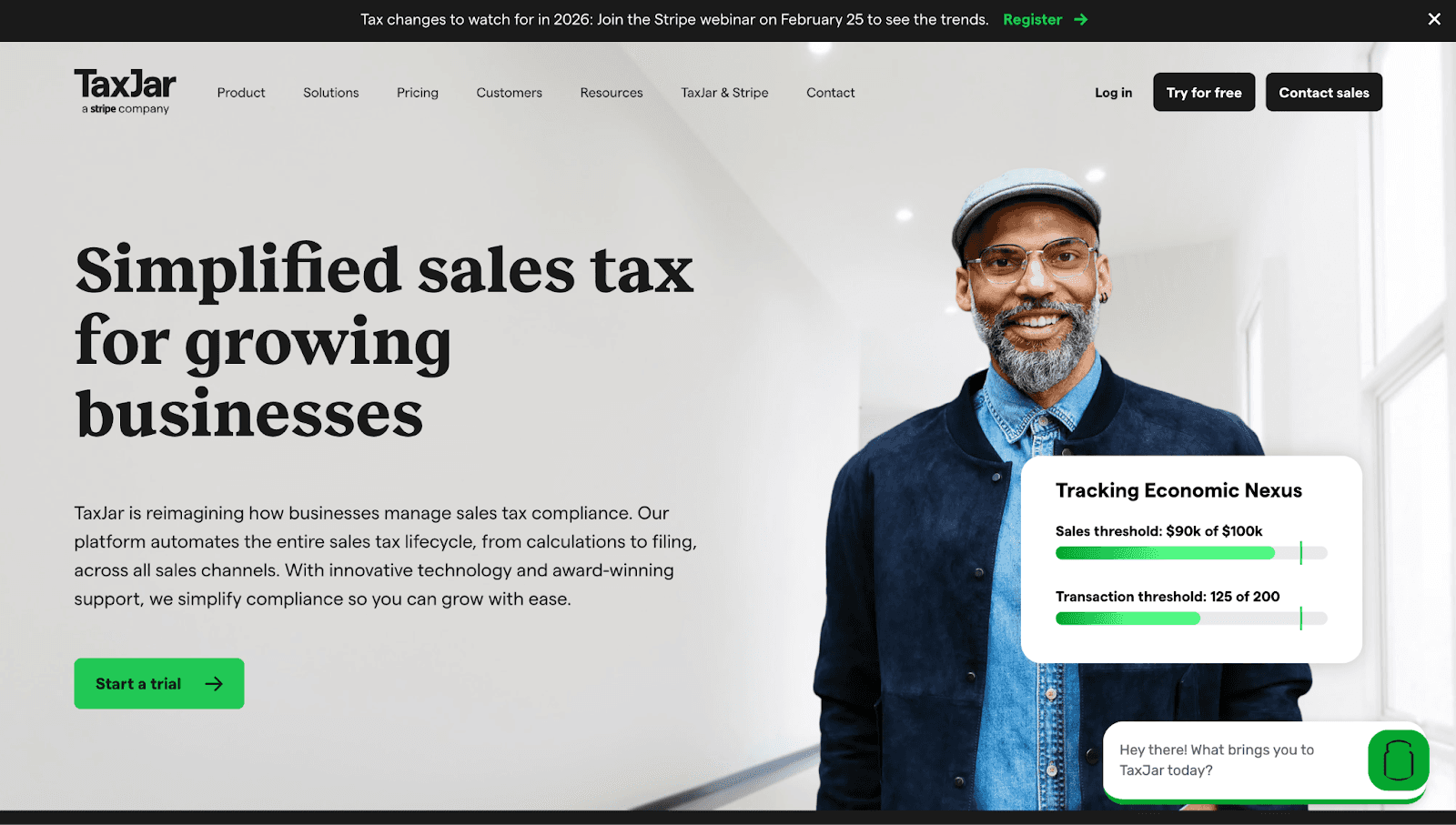
Now part of Stripe, TaxJar is a favorite among online retailers for its simplicity. Unlike enterprise tools that require complex setup, TaxJar offers a plug-and-play dashboard known for its "Sales Tax Traffic Light" system, which visualizes exactly where you have economic nexus.
For QuickBooks Online users, it functions as a reporting engine: it pulls your transaction data daily to monitor thresholds and prepares return-ready reports, while its AutoFile feature can automatically submit returns to the states on your behalf.
Choose if
You are a multi-channel seller (e.g., you sell on Amazon, Shopify, and invoice via QuickBooks) and need a single dashboard to aggregate all sales data.
You want "AutoFile" to file and remit your state tax returns automatically, ensuring you never miss a due date.
You prefer a visual interface (the Traffic Light map) to track your economic progress against state thresholds in real-time.
Avoid if
You use QuickBooks Desktop, as TaxJar has discontinued its native Desktop plugin and now requires manual CSV uploads for that version.
You need comprehensive international compliance (VAT/GST), as TaxJar is primarily designed for US sales tax, whereas competitors like Avalara or Sovos offer deeper global support.
You have a high transaction volume with low margins, and pricing tiers can become expensive quickly if you exceed your order limits.
6. Vertex

Vertex is an enterprise-grade tax engine designed for businesses that outgrow standard compliance tools. Unlike simpler plugins, Vertex handles highly specific tax scenarios such as varying rates based on product weight, lease terms, or complex supply chains.
It integrates with QuickBooks (specifically promoting its value for the Enterprise ecosystem) to replace the native tax engine with one capable of handling global commerce, value-added tax (VAT), and consumer use tax at a massive scale.
Choose if
Your business operates in complex industries such as leasing or Manufacturing, where tax rules depend on specific variables, including equipment horsepower, contract duration, and usage.
You operate globally and need a single solution to handle VAT, GST, and cross-border taxes alongside your US sales tax.
You are a high-volume retailer needing an omnichannel solution that integrates your physical Point of Sale (POS) and e-commerce data into one centralized tax engine.
Avoid if
You are a small-to-mid-sized business with a limited budget, as Vertex’s enterprise pricing and implementation fees are often prohibitive for smaller players.
You want a plug-and-play tool you can set up yourself in an afternoon; Vertex typically requires a guided implementation process due to its complexity.
You only sell simple taxable goods in the US, so the depth of features (such as custom taxability mapping) would be unnecessary overkill for your needs.
7. Numeral
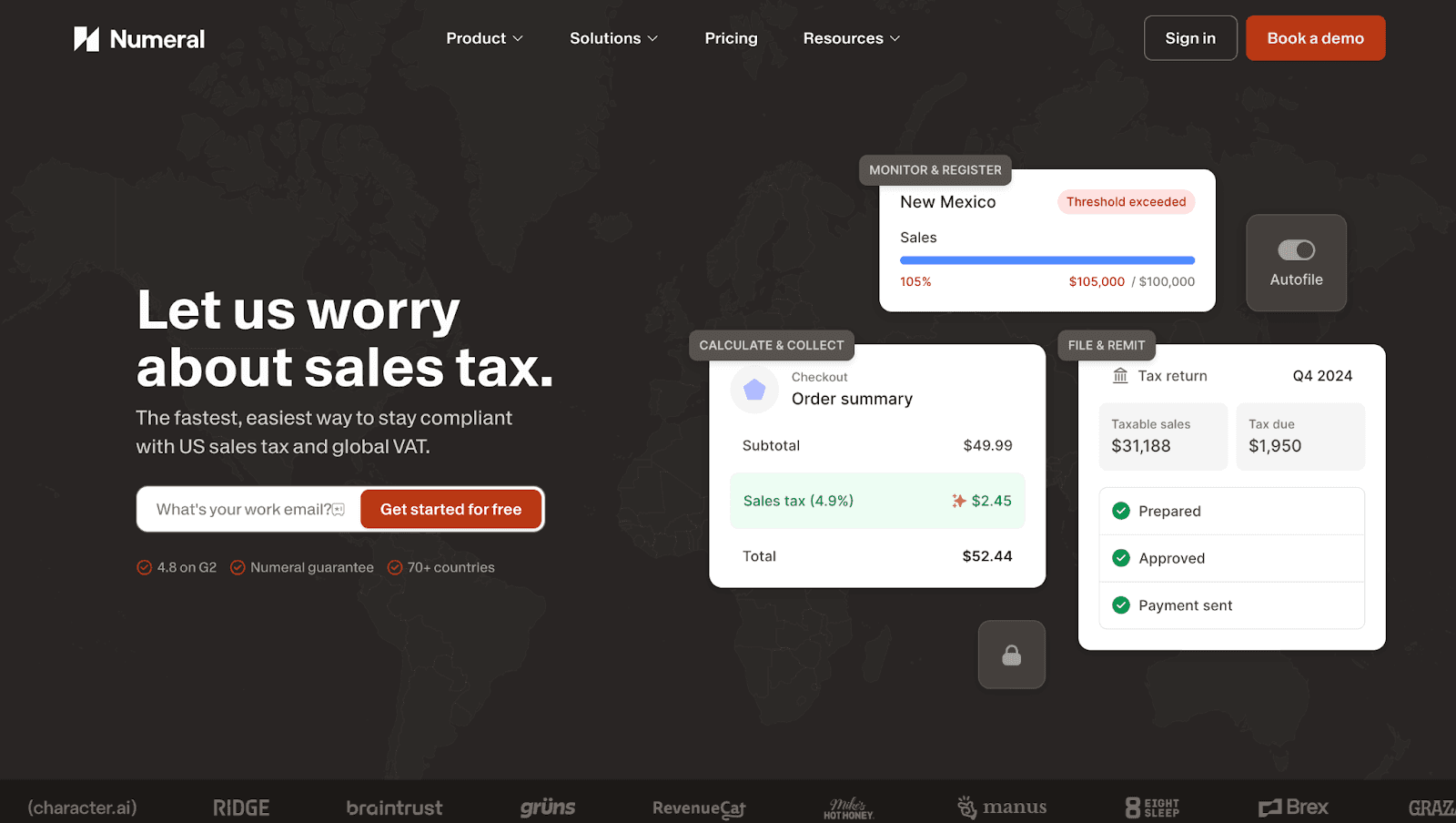
Numeral is designed specifically for the modern tech stack, making it a top choice for startups and software companies that find legacy tools like Avalara too clunky. Unlike traditional plugins that just calculate tax, Numeral focuses on Ledger Reconciliation—it connects to QuickBooks Online to ensure that the revenue you recognize matches the tax you collected and filed. It offers a white-glove service where they handle state registrations and filings for you, ensuring you remain compliant as you scale into new states.
Choose if
Your business has complex billing logic (annual plans, upgrades/downgrades) and needs to automatically track deferred revenue.
You require "Cash-to-Revenue" reconciliation in QuickBooks Online to prevent data mismatches between your payment processor and your bank.
You want a fully outsourced compliance team that handles state registrations and notice management manually for you.
Avoid if
You use QuickBooks Desktop, as Numeral relies on the QuickBooks Online API and does not offer a native desktop connector.
You have physical retail stores with POS systems, so legacy providers like Avalara are better suited to your physical infrastructure.
You are a low-volume seller, so the depth of features (such as revenue recognition) may be unnecessary and cost-prohibitive compared with basic tools.
8. Zamp
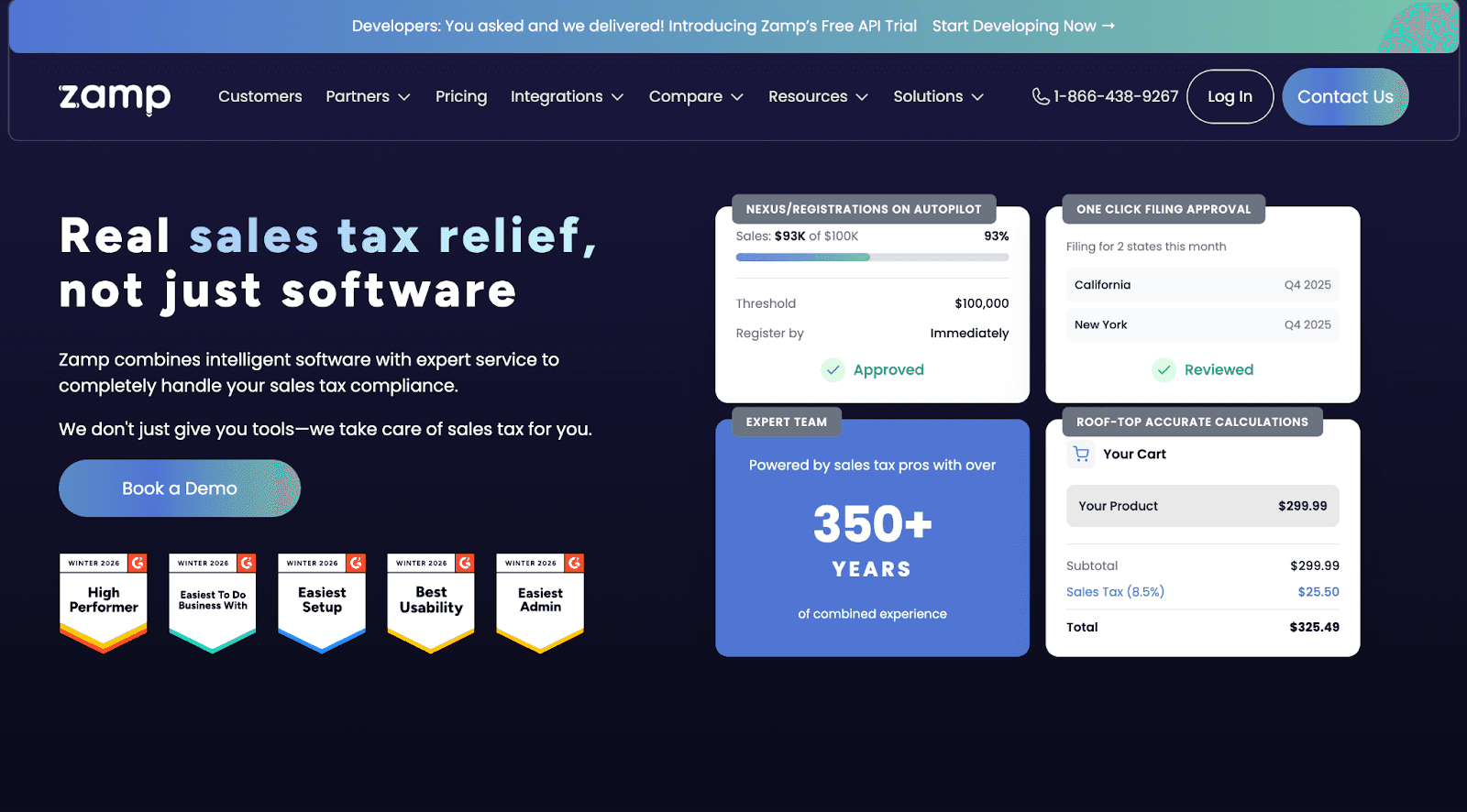
Zamp differentiates itself by offering a managed solution rather than just a software tool. It combines modern technology with a team of tax experts to handle the entire lifecycle of sales tax for you—from initial registration and nexus tracking to filing returns and managing state notices. For QuickBooks users, Zamp connects directly via API to calculate accurate tax rates on live invoices and syncs transaction data to ensure your financial records match your tax filings.
Choose if
You want a done-for-you experience where a dedicated team handles state registrations and responds to tax notices on your behalf.
You prefer a predictable, all-inclusive pricing model that covers calculations, filings, and support, with no hidden fees for additional states.
You use QuickBooks Online and need "rooftop-accurate" real-time tax calculations added automatically to your invoices.
Avoid if
You are a very small business or low-volume seller, as the minimum annual pricing tier (starting around $2500) may be cost-prohibitive compared to basic DIY tools.
You rely on QuickBooks Desktop, as Zamp's primary native integration is built for QuickBooks Online.
You prefer a self-serve approach where you retain full control over filing and just want a tool to generate reports.
Final Thoughts: Choosing the Right Sales Tax Software for Your Business
Selecting the right tax software is less about features and more about your risk tolerance and operational complexity.
If you are staying local: For businesses with a physical presence in only one or two states and low transaction volume, aggressive automation is often overkill. The native tools within your ERP or a simple, free filing option are usually sufficient to maintain compliance without adding overhead.
If you are scaling quickly: This is the most critical transition point. Once you start crossing state lines or shipping internationally, the cost of manual errors far outweighs the cost of software. At this stage, prioritize a modern platform that offers two-way reconciliation to ensure your financial data remains accurate as you grow.
If you have complex legacy needs: For massive organizations with intricate supply chains or specialized industries like fuel and leasing, operational breadth is key. You need a legacy engine capable of handling highly specific taxability rules and integrating with older ERP systems, even if it requires a longer implementation timeline.
FAQs
1. Does QuickBooks Online automatically file sales tax for me?
No. QuickBooks calculates the tax amount you owe, but you must still log in to state portals to file returns manually or use a third-party integration to submit them.
2. Do I need sales tax software if I only sell on marketplaces like Amazon?
Yes. Even if the marketplace collects tax for you, most states still require you to file a zero return to report that revenue and ensure your internal books match your actual sales.
3. What is the difference between Economic Nexus and Physical Nexus?
Physical nexus is established by having a physical presence, such as an office or employees, whereas economic nexus is triggered solely by exceeding a specific revenue or transaction threshold in a state.
4. Can I just look up tax rates manually in QuickBooks?
It is risky because zip codes often overlap multiple tax districts. Manual lookups frequently lead to under-collection errors that you will have to pay for out of pocket during an audit.

Kintsugi
At Kintsugi, we're dedicated to sharing our deep expertise in B2B financial technology and sales tax automation. Dive into our insights hub for essential guidance on navigating complex compliance challenges with AI-driven solutions. Explore practical strategies, industry trends, and regulatory updates tailored to enhance your operational efficiency.
Trust Kintsugi to empower your business with comprehensive knowledge and innovative tools for seamless sales tax management.